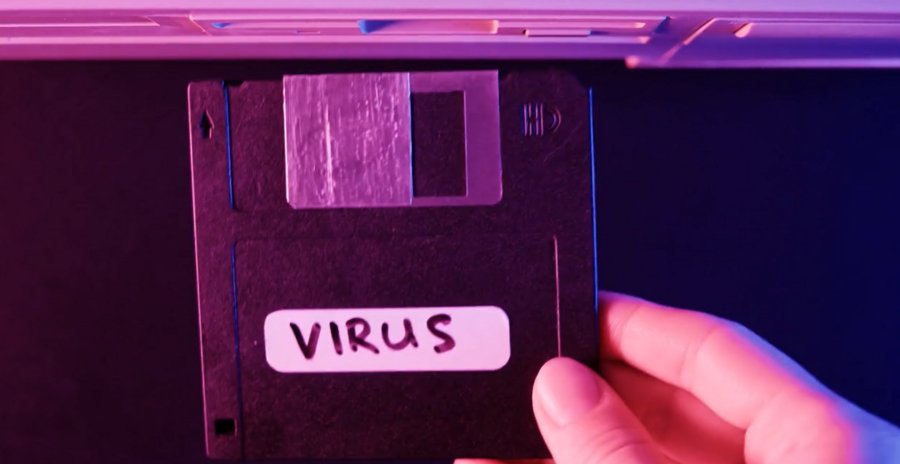
Ransomware is a type of malicious software that blocks access to a computer system or data until a sum of money is paid. It has become a major threat to individuals, businesses, and organizations of all sizes. Ransomware attacks can result in the loss of sensitive data, financial losses, and reputational damage.
To be vigilant against ransomware attacks, it is important to understand how they work and how to prevent them. This includes implementing strong security practices such as regularly backing up data, using antivirus and anti-malware software, and avoiding clicking on suspicious links or attachments.
It is also important to stay informed about the latest trends and tactics used by ransomware attackers, as they are constantly evolving their methods. By staying vigilant and taking proactive measures to protect your systems and data, you can reduce the risk of falling victim to a ransomware attack.
Background:
Ransomware is a type of malicious software (malware) that encrypts a victim's files or entire system and demands payment, usually in the form of cryptocurrency, in exchange for the decryption key. Ransomware attacks have become increasingly common in recent years and can cause significant financial and operational damage to individuals and organizations.
To be vigilant against ransomware, it is important to understand how it works and the ways it can infiltrate your system. Ransomware can be spread through various methods, including phishing emails, malicious websites, and exploiting vulnerabilities in software and systems.
To prevent ransomware attacks, individuals and organizations should take several precautions, including regularly backing up important data, using antivirus software and firewalls, keeping software and systems up-to-date with security patches, and educating employees on how to recognize and avoid phishing emails and suspicious links.
If a ransomware attack does occur, it is important to have a response plan in place that includes isolating infected systems, reporting the incident to law enforcement, and not paying the ransom, as there is no guarantee that the attacker will provide the decryption key even if payment is made. Instead, victims should seek the assistance of cybersecurity professionals to attempt to recover the encrypted data and restore their systems.
Key Points:
-
Stay updated: Keep your operating system, antivirus, and software up to date with the latest security patches and updates. This can help protect against known vulnerabilities that cybercriminals may exploit.
-
Backup regularly: Regularly backup your important data to an external hard drive, cloud storage, or other secure location. In case of a ransomware attack, you can restore your data from backup without paying the ransom.
-
Be cautious of emails: Be wary of suspicious emails, especially those with attachments or links. Don't open attachments or click on links from unknown senders, and don't respond to unsolicited messages.
-
Install antivirus software: Install reputable antivirus software and keep it updated. This can help detect and block ransomware before it can do damage.
-
Enable firewall protection: Enable the firewall on your computer and network to block unauthorized access.
-
Educate yourself: Learn about the different types of ransomware attacks, how they work, and what to do in case of an attack. Stay informed about the latest trends and threats in the cybersecurity landscape.
-
Use strong passwords: Use strong passwords and two-factor authentication for all your accounts. This can make it more difficult for cybercriminals to gain access to your systems and data.
-
Be suspicious of pop-ups: Be cautious of pop-ups or messages that ask you to install software or provide personal information. Cybercriminals often use these tactics to install ransomware on your system.
Example and Evidence:
- Keep your software up to date: Many ransomware attacks exploit vulnerabilities in software to gain access to a victim's system. Keeping your software up to date helps to prevent these vulnerabilities from being exploited.
Evidence: The WannaCry ransomware attack in 2017 affected more than 200,000 computers in 150 countries, and it exploited a vulnerability in Microsoft Windows that had been patched months earlier. Those who had updated their software were protected from the attack.
- Be cautious with email attachments and links: Ransomware can also spread through malicious email attachments and links. Always be cautious when opening email attachments or clicking on links, especially if they are from unknown senders.
Evidence: The Locky ransomware attack in 2016 spread through malicious email attachments, and it infected more than 160,000 computers in just one month.
- Use anti-virus software: Anti-virus software can help to detect and prevent ransomware infections. Make sure that you have anti-virus software installed on your computer, and keep it up to date.
Evidence: The Petya ransomware attack in 2017 used a modified version of a tool called Mimikatz to steal login credentials from infected computers. Anti-virus software that included detection for Mimikatz would have helped to prevent the attack.
- Back up your data regularly: If you have a backup of your data, you can restore it if your files are encrypted by ransomware. Make sure that your backup is stored securely, and test it regularly to ensure that it can be restored.
Evidence: The NotPetya ransomware attack in 2017 encrypted the hard drives of infected computers, making it impossible to recover the data without the decryption key. Many organizations that had backups were able to restore their data without paying the ransom.
Conclusion:
In conclusion, ransomware attacks have become increasingly common and dangerous in recent years, and it is essential to be vigilant in order to protect yourself and your organization. This involves implementing strong cybersecurity measures, such as keeping your software up to date, regularly backing up your data, and educating yourself and your staff about phishing scams and other common attack methods. It is also important to have a response plan in place in case an attack does occur.
At digiALERT, we understand the critical importance of protecting your digital assets from ransomware attacks. We offer our clients comprehensive cybersecurity solutions, including threat intelligence, 24/7 monitoring, and incident response services. With our expertise and cutting-edge technology, we can help you stay one step ahead of cybercriminals and keep your organization safe from ransomware attacks.